
Radicon
EAP-TLS Wi-Fi for Android and iOS.


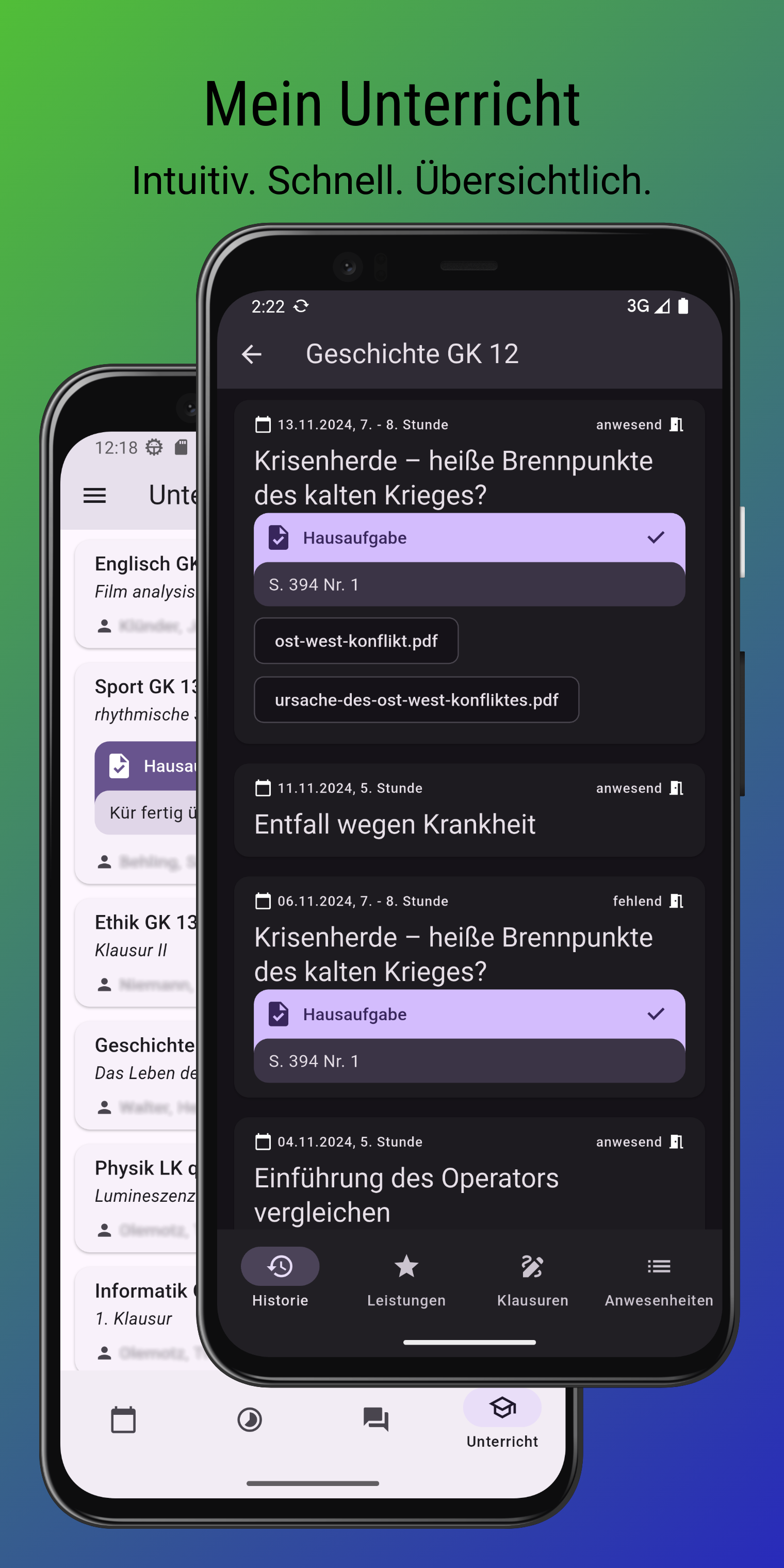
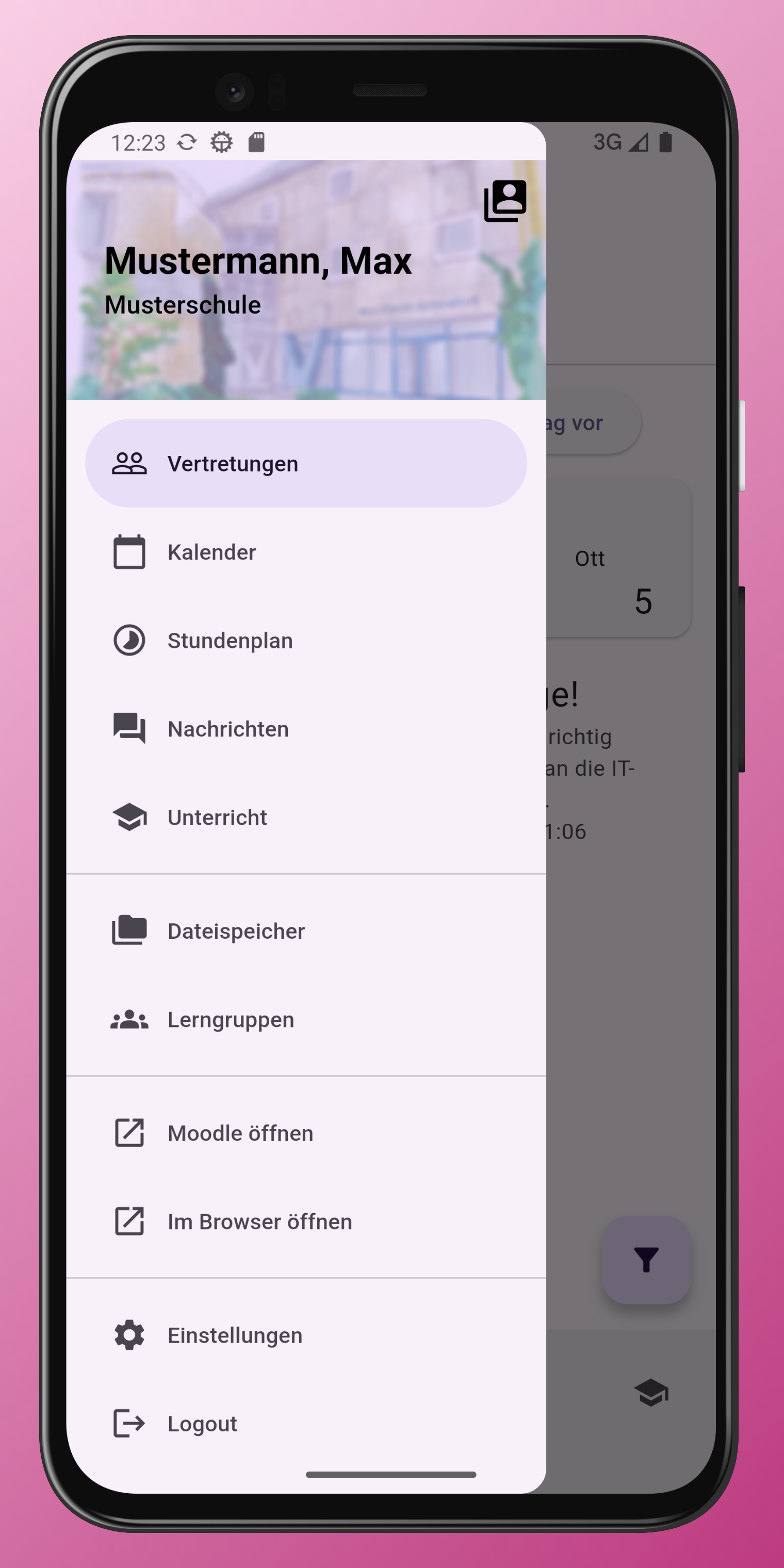
Screenshots
What the app does
Radicon sets up a Wi-Fi network that uses EAP-TLS. Pick an organisation, scan a QR code, or paste a link. The app reads the configuration server and installs the profile on the device.
- Name, SSID, outer EAP identity, and trusted server names
- Client certificate as PKCS#12
- Android saves a Wi-Fi suggestion that you allow once
- iOS opens Safari with an unsigned configuration profile, which you install in Settings
Open the app from a link
A link on this website opens the app when it is installed:
https://radicon.alessioc42.dev/mobile/connect?config_server=<url>
Only config_server is used. That address is the server which serves
/.well-known/radicon.json. This website is not one of those servers.